Pairing your phone and your Boco Toys
Pairing connects your phone to your Boco Toy so the app can recognize it and send stories to the right toy.
Preparation before pairing a new toy
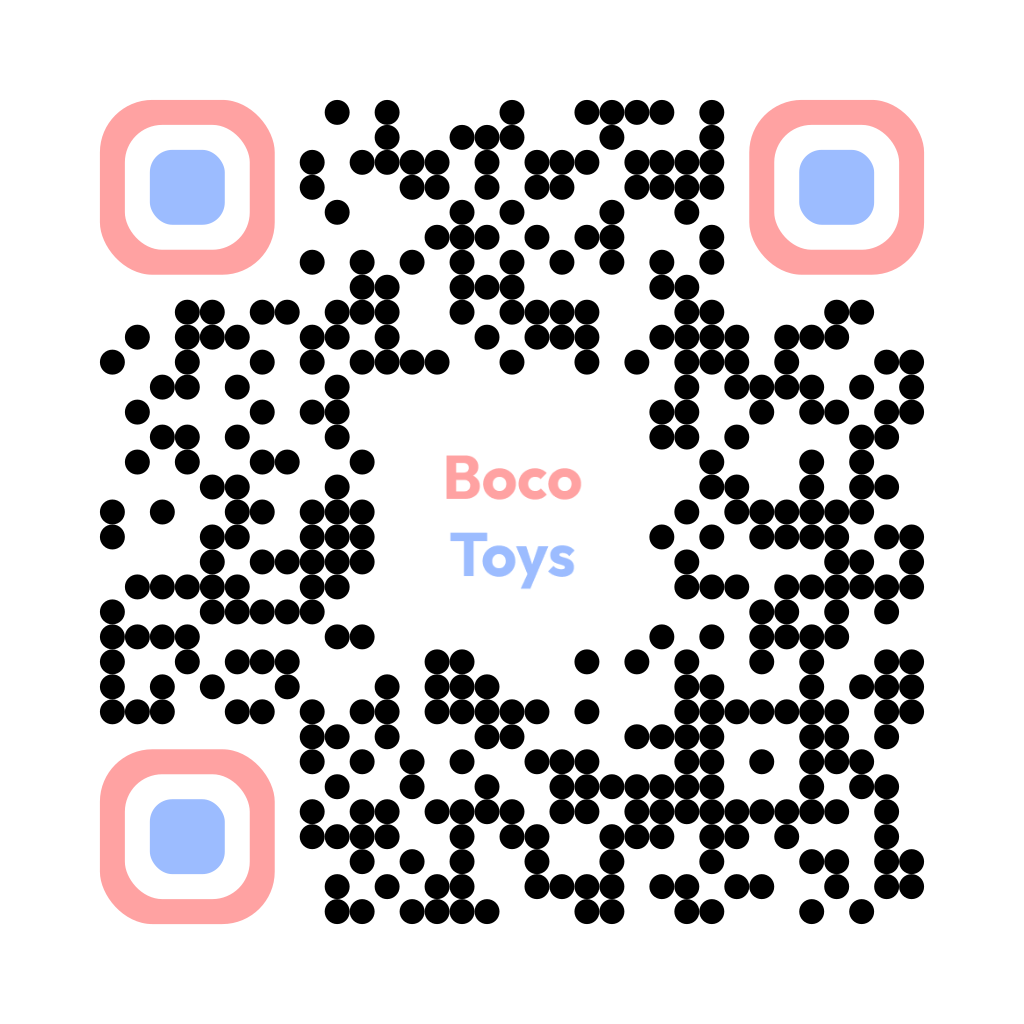 Install the Boco app from Google Play or the Apple App Store.

- Turn on NFC on your phone.
- Create an account. It is free and helps you manage your toys.
Pairing a new toy
- Open the Boco app on your phone.
- Choose the option to add or pair a Boco Toy.
- Hold the phone close to the Boco NFC area on the toy.
- Keep the phone still for 1-2 seconds while the app detects the toy.
- Follow the app instructions to finish pairing.